
Helios / Demos
See Helios at work.
Start with the complete 12-minute app tour, or choose a short introduction to the controls and project workspace. Every video has English captions and a readable transcript.
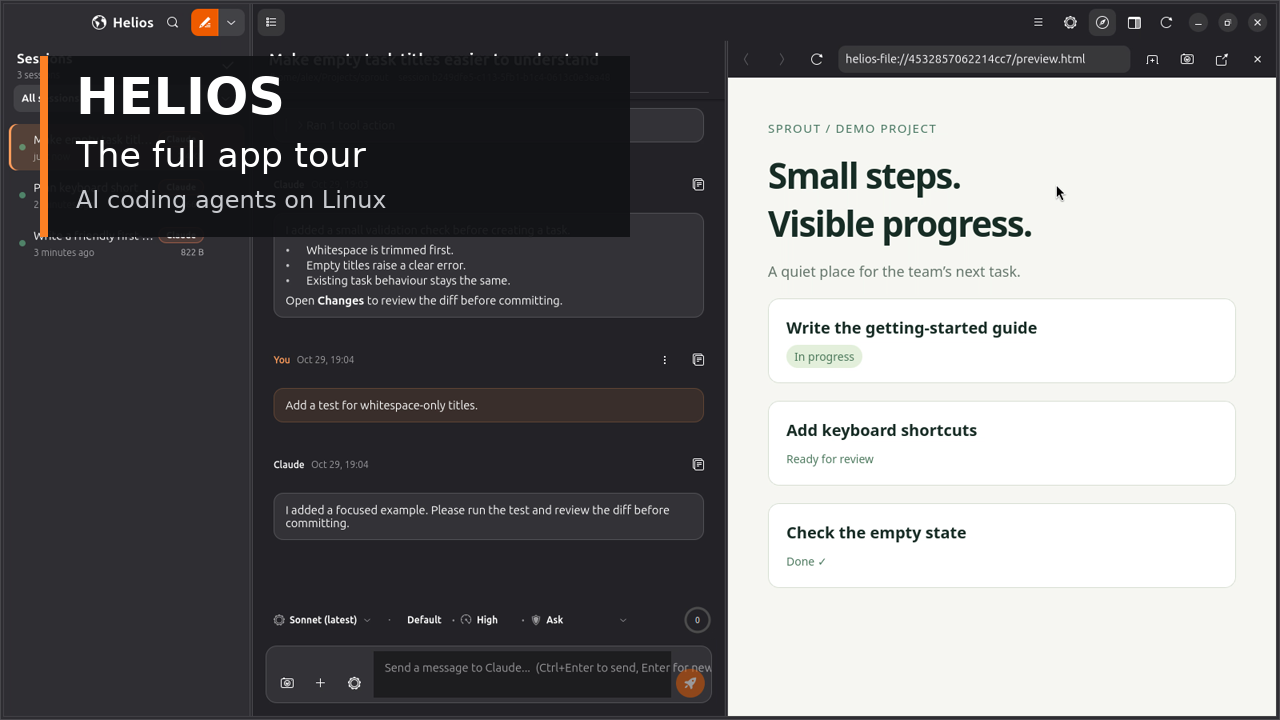
Full app tour · 11:39 · 13 chapters
Follow the whole workflow.
Connect a provider, start a project, manage conversations, set a goal, review changes, preview the result and understand the settings. Jump to any chapter or read the transcript.
Watch the full tour →Want a quick look? See four short GIF demos of the app in action →
Short introductions
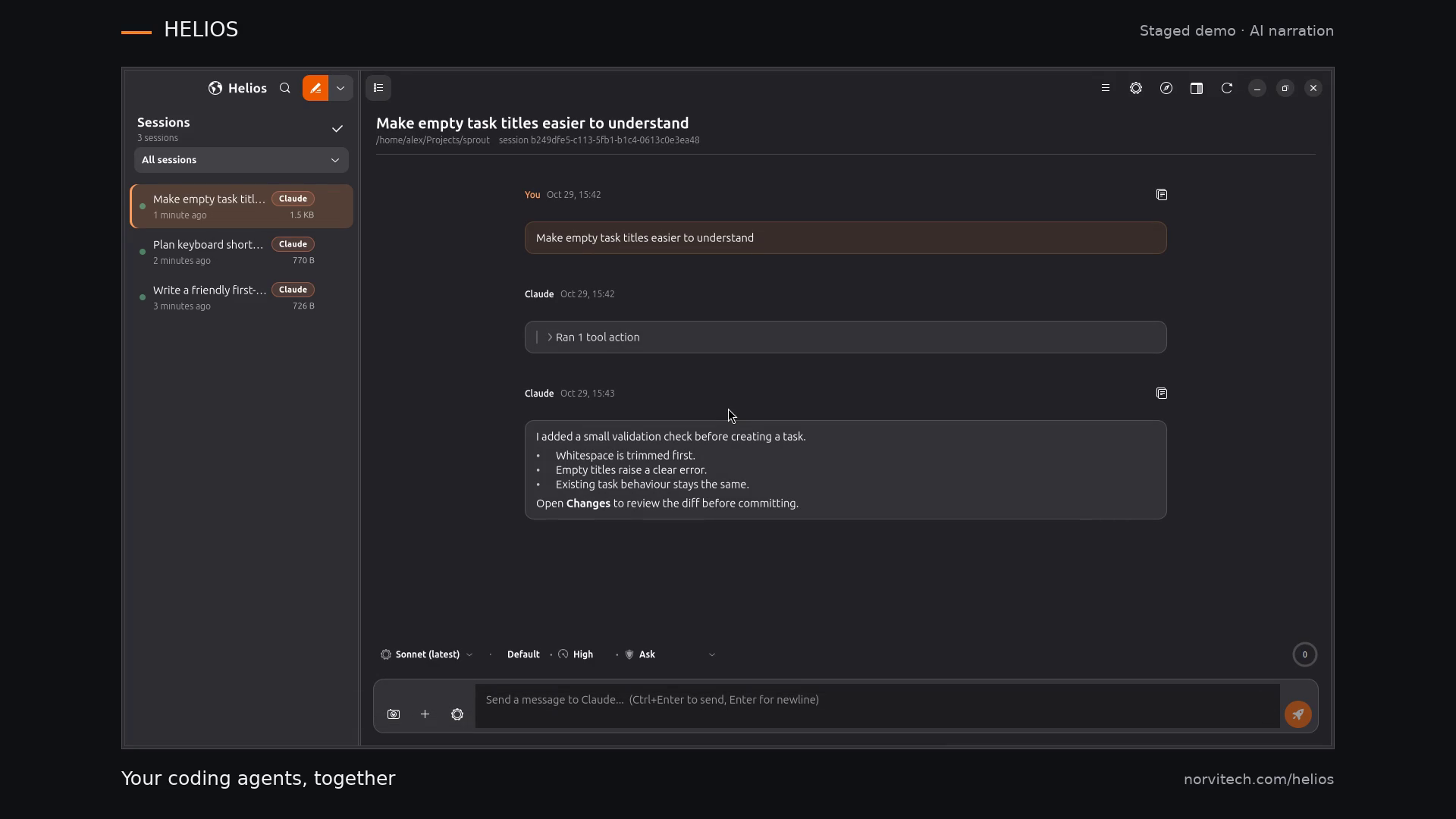
01 / Overview
Sessions, models and permissions
Find a conversation, choose a model and see the execution settings around a coding task.
Watch with captions and transcript →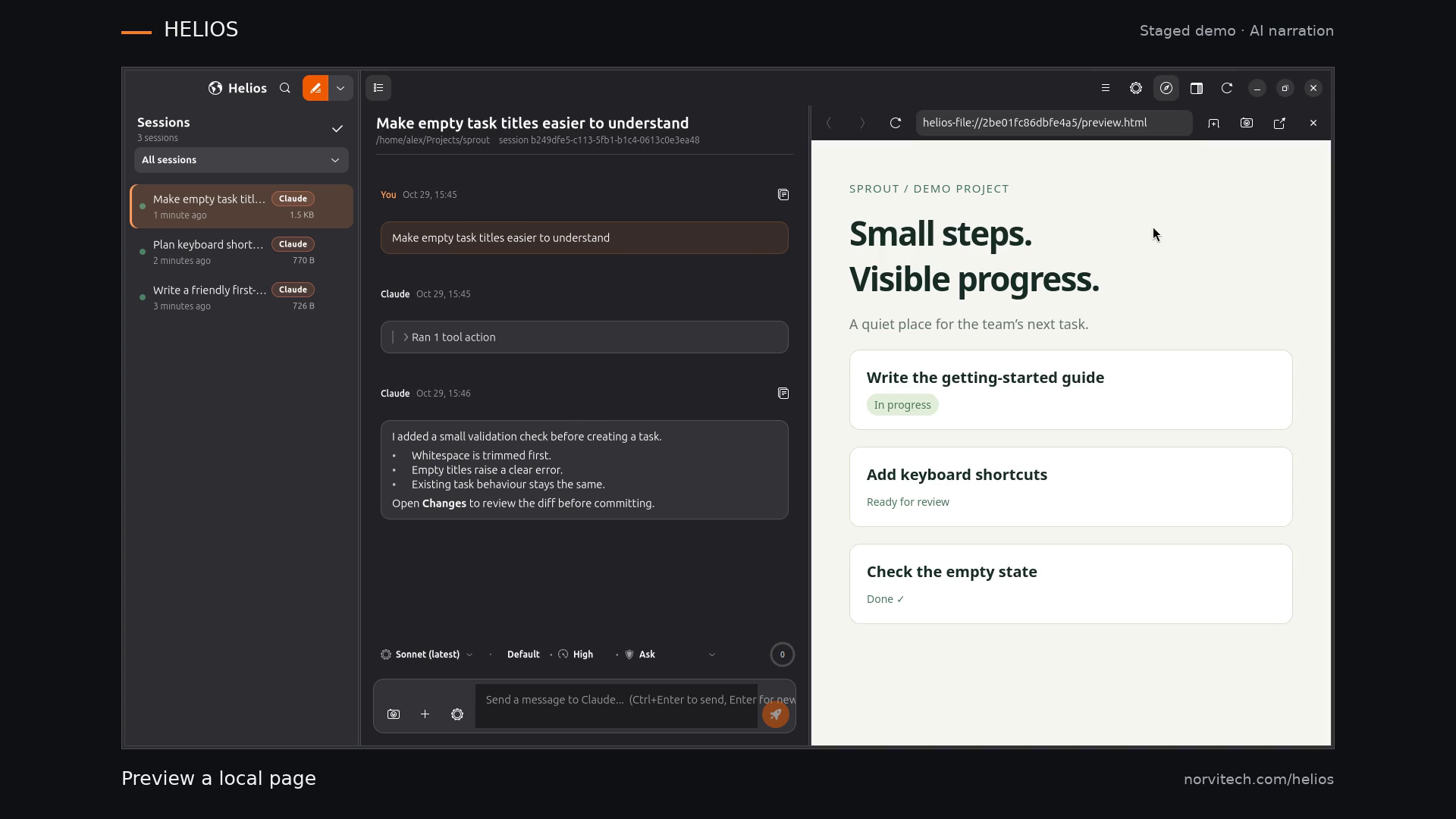
02 / Workspace
Preview, run and review
Keep the conversation beside the browser, use the terminal and inspect the project’s changes.
Watch with captions and transcript →About the recordings
These demonstrations use the real Helios interface with a fictional project and staged demonstration content. They show the interface and workflow; they are not a benchmark of a model’s coding ability. Narration is AI-generated. Recording provenance and media checks are available for the short demos; the full-tour provenance is also available.
Captions and a readable transcript accompany each video. Playback starts only when you choose it. You can also download the MP4 files from the individual video pages.
Try the version shown
The current source and package include features that may not be present in the stable APT channel. Check the install channels before following along.
Install and start your first chat →Start with one project
Bring your next task to Helios.
Install the app, connect one provider and choose a project folder.